UI/UX Design Services
UI/UX Design That Makes Digital Experiences Easier to Use
Good design isn't only about how a website looks. It is about how clearly users understand it, how easily they navigate it, and how confidently they complete their goals.
At Dev Pattern Labs, we design websites and digital products around user needs, business objectives, content structure, accessibility, responsiveness, and development requirements.
From business websites and landing pages to dashboards and web applications, we create interfaces that are clear, consistent, and practical to build.
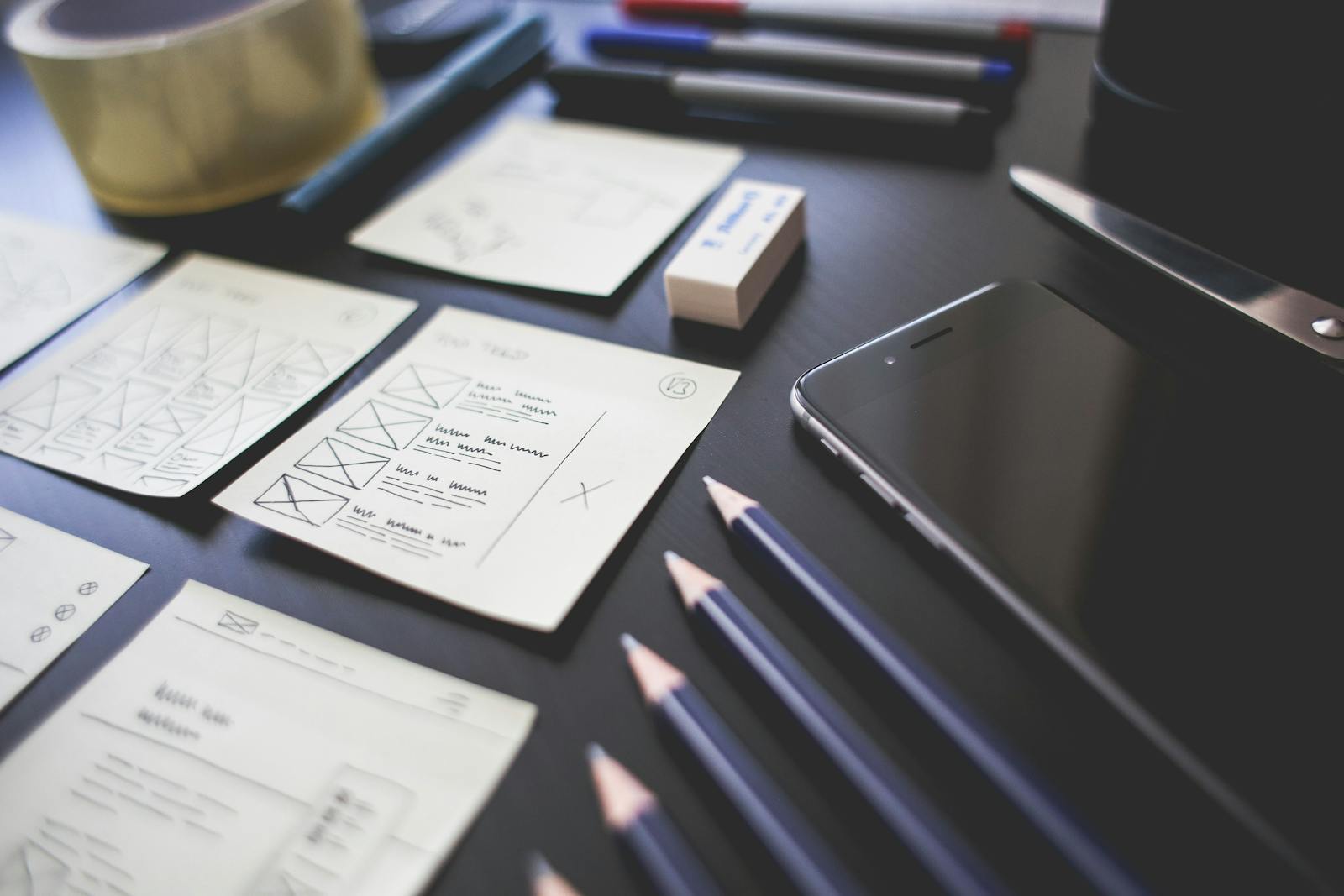
Introduction
Design With Purpose
A website can look visually impressive and still be difficult to use.
Users need to understand:
- Where they are
- What the website offers
- What they should do next
- How to find information
- How to complete an action
- Whether the interface can be trusted
Our UI/UX approach combines visual design, information architecture, responsive behavior, accessibility, content hierarchy, and development considerations.
We design with both the user and the technical implementation in mind.
What We Design
UI/UX Design Solutions
Website UI Design
We design professional interfaces for:
- Business websites
- Corporate websites
- Agency websites
- Service websites
- Content platforms
- Marketing websites
- Portfolio websites
The design focuses on visual hierarchy, navigation, content presentation, responsiveness, and conversion paths.
Landing Page Design
Landing pages should communicate a focused message quickly.
We design landing pages with:
- Clear messaging
- Content hierarchy
- Strong calls to action
- Trust elements
- Responsive layouts
- Lead-generation sections
- Conversion-focused structure
Web Application UI/UX
Web applications require a different approach from marketing websites.
We design interfaces for:
- Dashboards
- Admin panels
- Client portals
- SaaS products
- Internal tools
- Data interfaces
- Workflow systems
The focus is on usability, information density, navigation, interaction patterns, and consistency.
Mobile-First & Responsive Design
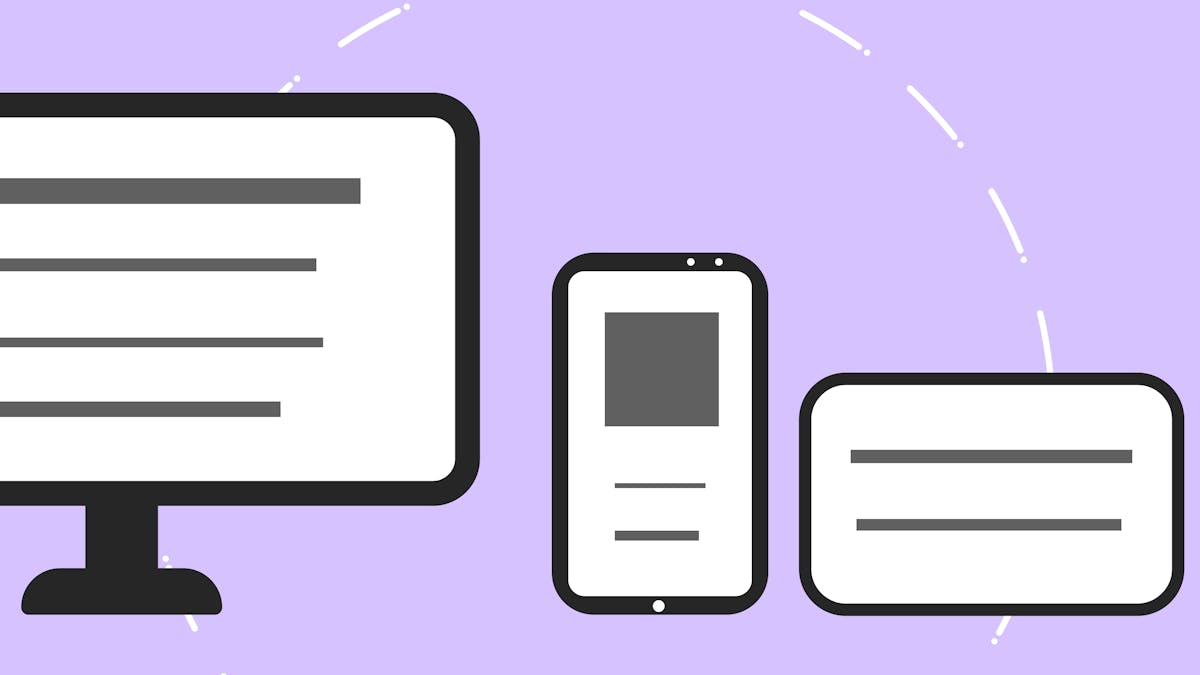
Users access websites from many different screen sizes.
We design responsive experiences for:
- Mobile
- Tablet
- Laptop
- Desktop
- Large screens
Rather than simply shrinking desktop layouts, we consider how navigation, content, forms, cards, tables, and interactions should behave at different viewport sizes.
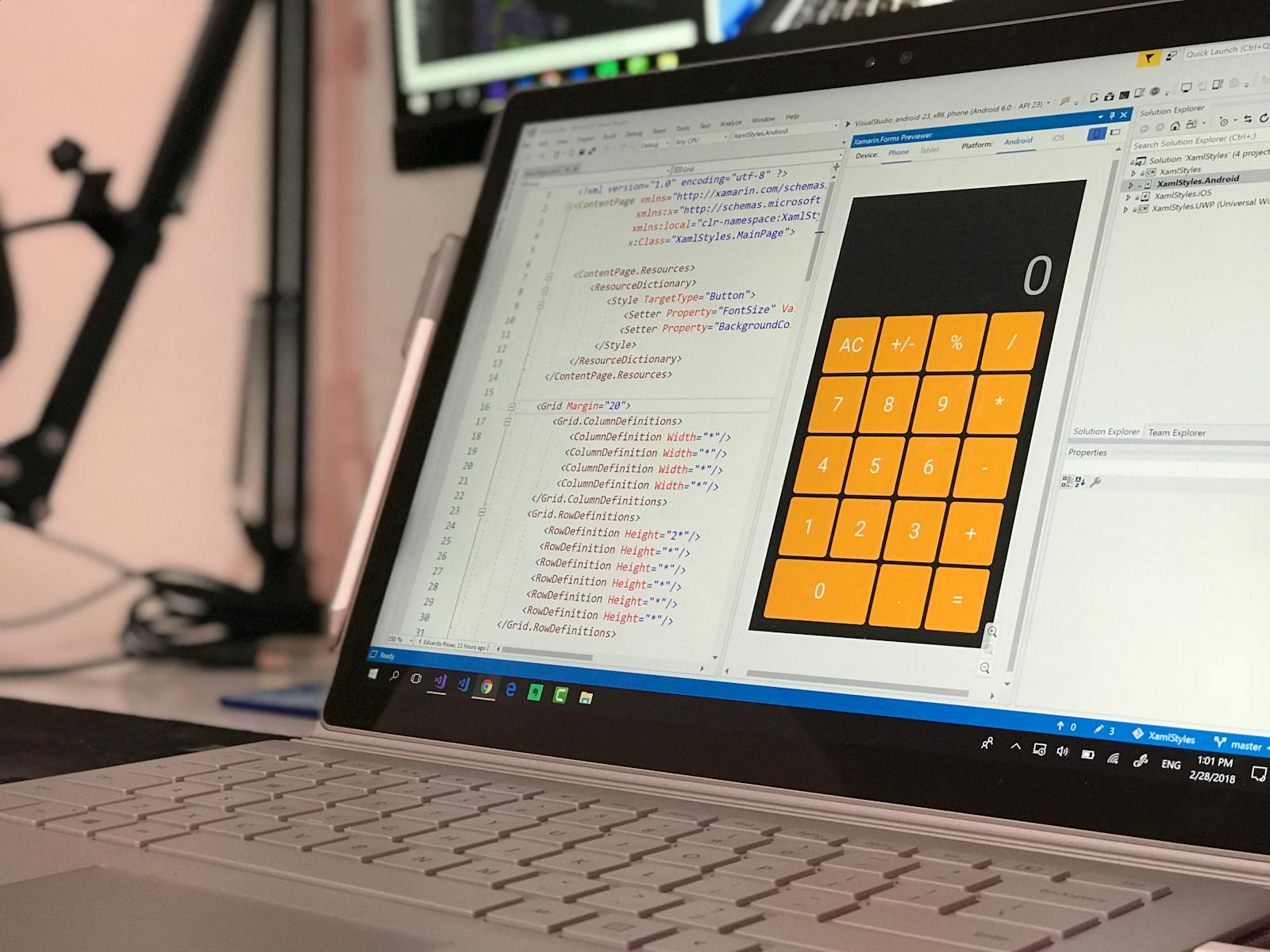
UX Research & Discovery
Understand Before Designing
Good design begins with understanding the problem.
Depending on the project, discovery can include:
- Business goals
- Target users
- Existing website analysis
- User journeys
- Content requirements
- Competitor research
- Existing analytics
- Conversion goals
- Technical constraints
The amount of research depends on the project's size and requirements.
We don't recommend unnecessary research processes for simple projects.
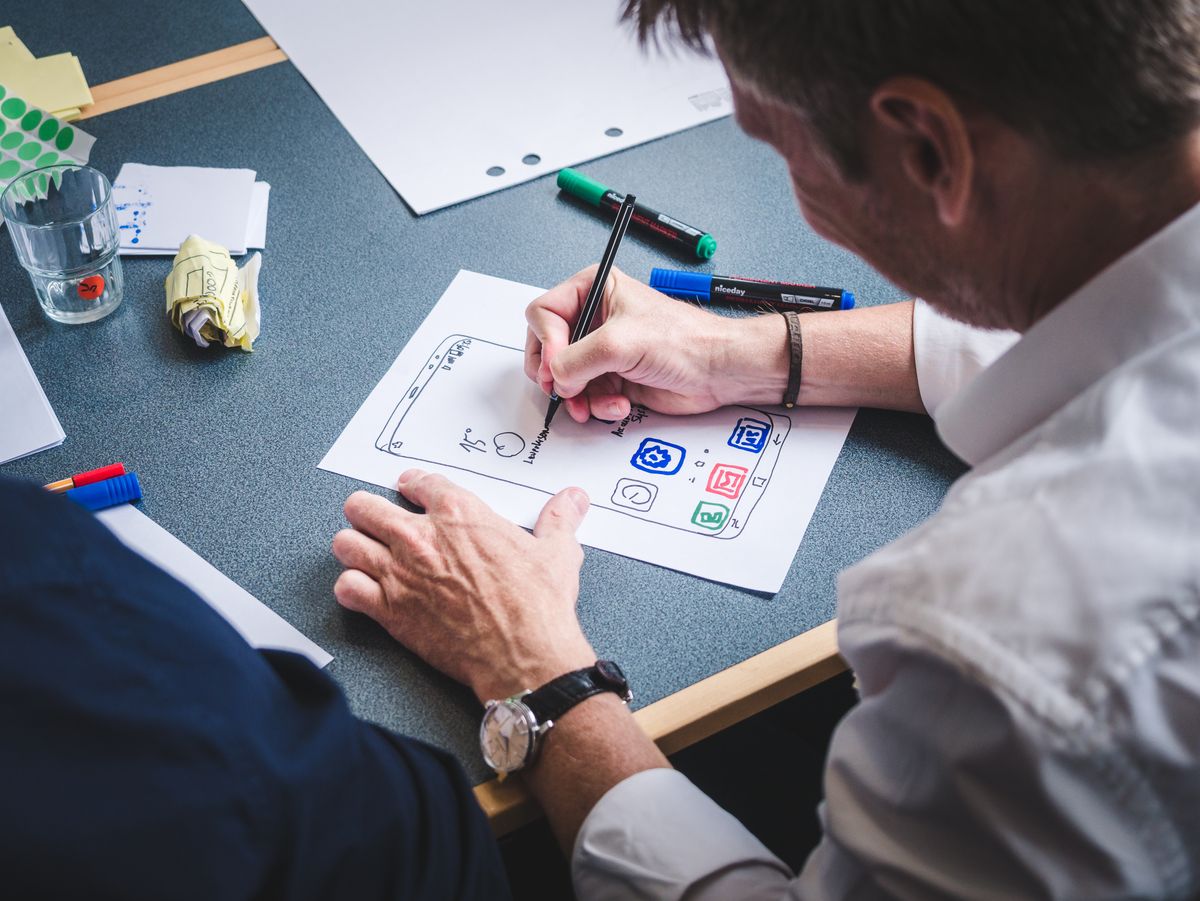
Information Architecture
Organize Content So Users Can Find It
Information architecture determines how information is organized and connected.
We can help define:
- Page hierarchy
- Navigation
- Categories
- Content relationships
- User journeys
- Page structures
- Search behavior
- Calls to action
For a typical business website:
- Home
- About
- Services
- Service A
- Service B
- Service C
- Portfolio
- Case Studies
- Blog
- Contact
A clear structure helps both users and search engines understand the website.
Wireframing
Define the Experience Before Visual Design
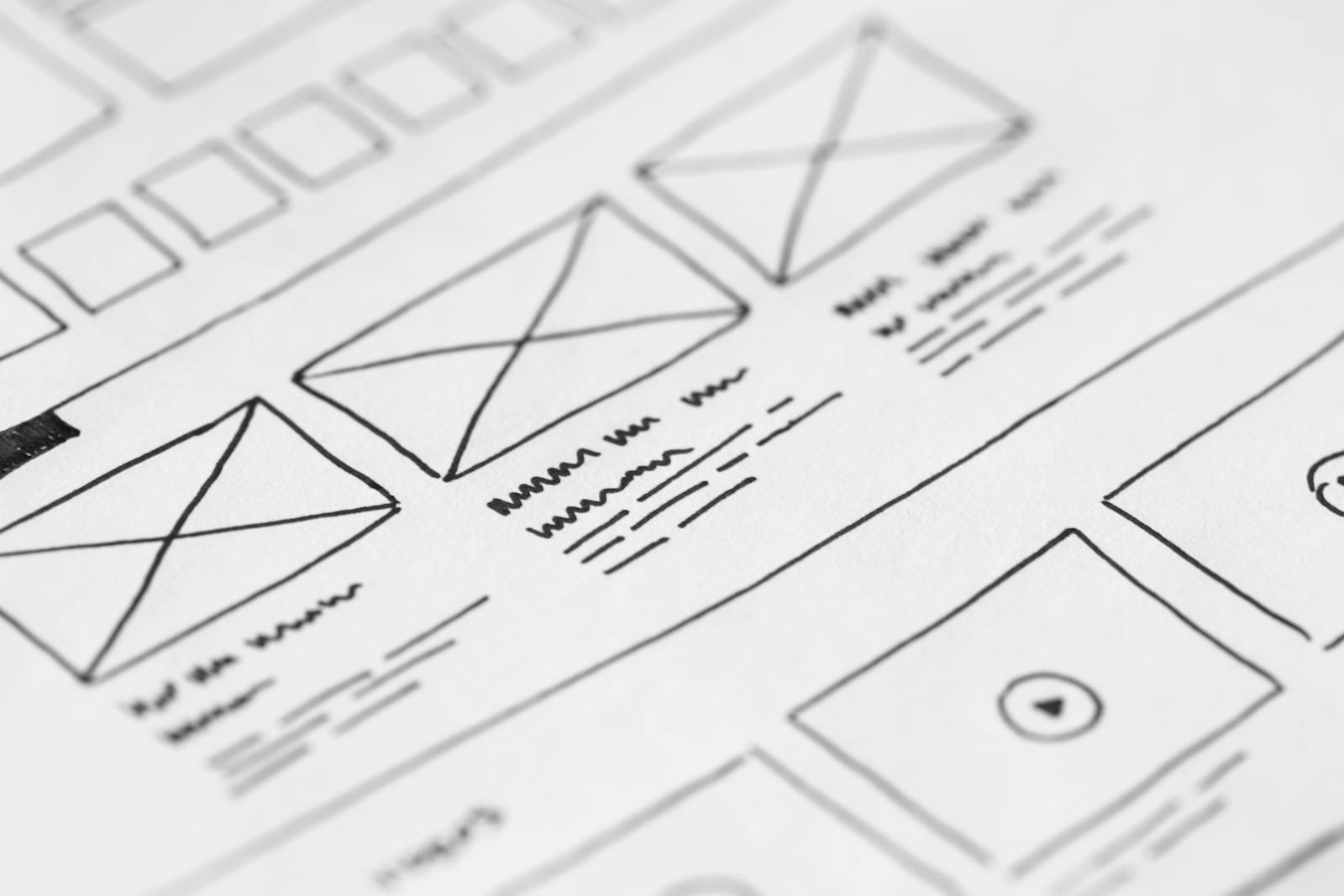
Wireframes allow us to focus on structure before spending time on visual details.
Wireframes can define:
- Page structure
- Content hierarchy
- Navigation
- Section order
- Form placement
- CTA placement
- User flows
- Responsive behavior
Visual UI Design
Turn Structure Into a Consistent Interface
Once the structure is clear, we define the visual system.
This can include:
Typography
- Font families
- Font sizes
- Heading hierarchy
- Line height
- Text spacing
Color
- Brand colors
- Background colors
- Text colors
- Interactive states
- Contrast requirements
Components
- Buttons
- Cards
- Forms
- Navigation
- Modals
- Alerts
- Tables
- Tabs
- Accordions
Spacing
- A consistent spacing system makes interfaces easier to understand and maintain.
Design Systems
Create Consistency Across Digital Products
For larger websites and applications, a design system can make future development easier.
A design system can contain:
- Color tokens
- Typography
- Spacing
- Buttons
- Forms
- Cards
- Navigation
- Icons
- Components
- Interaction states
This helps maintain consistency as new pages and features are added.
Conversion-Focused Design
Design That Supports Business Goals
A website isn't successful simply because it looks good.
The design should help users understand the value of the service or product and take appropriate actions.
Depending on the project, we can focus on:
- Clear calls to action
- Lead-generation forms
- Service discovery
- Product exploration
- Contact flows
- Checkout experiences
- Trust elements
- Content hierarchy
- Reduced friction
We don't use manipulative dark patterns.
The goal is to make important actions clear and understandable.
Accessibility-Focused Design
Design for More People
Accessibility should be considered during design, not only after development.
We consider:
- Color contrast
- Text readability
- Keyboard interaction
- Focus states
- Form labels
- Error messages
- Touch target sizes
- Heading hierarchy
- Clear navigation
- Accessible interaction patterns
Design and development need to work together for the final implementation to be accessible.
Developer-Friendly Design
Design That Can Actually Be Built
A beautiful design can become difficult if it ignores technical constraints.
We consider development requirements such as:
- Reusable components
- Responsive behavior
- Content flexibility
- CMS limitations
- Performance
- Accessibility
- Browser compatibility
- Animation complexity
- Component states
This is particularly valuable when the same team handles design and development.
Related service: Web DevelopmentUI/UX for WordPress
Design for WordPress Websites
When designing WordPress websites, we consider how the final design will work with:
- WordPress content management
- Gutenberg
- Elementor
- Custom themes
- Custom post types
- Dynamic content
- Responsive layouts
- SEO requirements
- Accessibility
The objective is to create a design that remains practical when content changes.
Related service: WordPress DevelopmentUI/UX for Next.js & React
Design for Modern Web Applications
For React and Next.js projects, we can structure designs around reusable components and responsive application interfaces.
This can include:
- Component libraries
- Dashboard interfaces
- SaaS products
- Interactive applications
- Authentication screens
- Forms
- Tables
- Filters
- Search
- Notifications
- Data visualization interfaces
Our UI/UX Design Process
From Problem to Practical Interface
Discover
Understand the business, users, goals, content, and technical requirements.
Research
Review existing interfaces, competitors, user behavior, analytics, and available information.
Structure
Create the information architecture, user flows, and page hierarchy.
Wireframe
Define layouts and interactions before visual styling.
Design
Create the visual interface, components, typography, colors, and responsive layouts.
Prototype
Where appropriate, create interactive prototypes to demonstrate important user flows.
Review
Gather feedback and refine the design.
Handoff
Provide the design specifications, assets, components, and relevant implementation guidance.
Development Support
Where Dev Pattern Labs also handles development, we work through the transition from design to implementation.
What We Deliver
UI/UX Design Deliverables
Depending on the project, deliverables may include:
- User flows
- Sitemap
- Wireframes
- High-fidelity UI designs
- Responsive layouts
- Interactive prototypes
- Component libraries
- Design systems
- Design specifications
- Exportable assets
- Developer handoff documentation
Not every project requires every deliverable. We tailor the process to the actual scope.
Why Dev Pattern Labs?
Design With Development in Mind
Business-Aware
We consider what the website or product needs to accomplish.
User-Focused
We design around clarity, usability, and user needs.
Development-Friendly
We consider how designs will be implemented.
Responsive
Layouts are planned across different screen sizes.
Accessible
Accessibility considerations are included during design.
Performance-Conscious
We avoid unnecessarily heavy design patterns and assets.
Consistent
Reusable components help maintain visual consistency.
Who We Work With
UI/UX Design for Different Digital Projects
Businesses
Professional websites and digital experiences.
Startups
MVPs, landing pages, SaaS interfaces, and product experiences.
Agencies
Design support for client websites and applications.
SaaS Products
Dashboards, workflows, account areas, and product interfaces.
Organizations
Content-focused websites and accessible digital experiences.
Existing Websites
Redesigns and UX improvements for websites that need better usability or visual consistency.
Website Redesign
Improve an Existing Website Without Starting Blind
If your existing website has usability, navigation, visual, or conversion problems, a redesign should begin by understanding what isn't working.
We can review:
- Existing page structure
- Navigation
- Content hierarchy
- Mobile experience
- Forms
- Calls to action
- Accessibility
- Performance
- Analytics where available
Then we can identify opportunities for improvement.
Request a Website Review →Case Studies
See Our Design Work
- Project
- Project name and overview
- Challenge
- The problem the project needed to solve
- Design Approach
- How the interface and experience were designed
- Result
- The outcome of the design work
- Technology
- Tools and platforms used
Frequently Asked Questions
UI/UX Design FAQs
What is the difference between UI and UX design?
UX focuses on the overall experience, structure, usability, and user journey. UI focuses more on the visual interface, including typography, colors, components, spacing, and interaction states. They work together.
Do you design websites and web applications?
Yes. We design both marketing websites and application interfaces such as dashboards, portals, SaaS products, and internal tools.
Do you provide responsive designs?
Yes. Responsive behavior is considered across mobile, tablet, desktop, and other relevant screen sizes.
Can you redesign an existing website?
Yes. We can review an existing website and redesign its interface, information architecture, user experience, and responsive behavior based on the project requirements.
Do you create wireframes?
Yes. Wireframes can be part of the design process when they provide value for the project.
Do you create design systems?
Yes. For larger or evolving digital products, we can create reusable components and design systems to improve consistency and maintainability.
Can you design for WordPress?
Yes. We can design WordPress websites with consideration for Gutenberg, Elementor, custom themes, dynamic content, SEO, responsiveness, and accessibility.
Can you design for Next.js and React?
Yes. We can design React and Next.js interfaces using reusable components and responsive patterns suitable for development.
Do you also develop the website?
Yes. Dev Pattern Labs provides both UI/UX design and web development, allowing design and implementation to be coordinated when both services are required.
How long does UI/UX design take?
The timeline depends on the number of pages or screens, research requirements, revisions, prototype complexity, and project scope.
Related Services
Explore More Dev Pattern Labs Services
UI/UX Blog Section
UI/UX & Web Design Insights
Publish useful articles such as:
- Website UX mistakes that affect conversions
- Mobile-first website design principles
- UI vs UX: What's the difference?
- Website redesign checklist
- How accessibility improves user experience
- Designing better WordPress websites
- UX considerations for SaaS dashboards
- How to create consistent web components
- Website navigation best practices
- How typography affects website usability
Have a Website or Product to Design?
Whether you're starting a new website, redesigning an existing platform, or designing a web application, let's create an experience that is clear, useful, and practical to build.